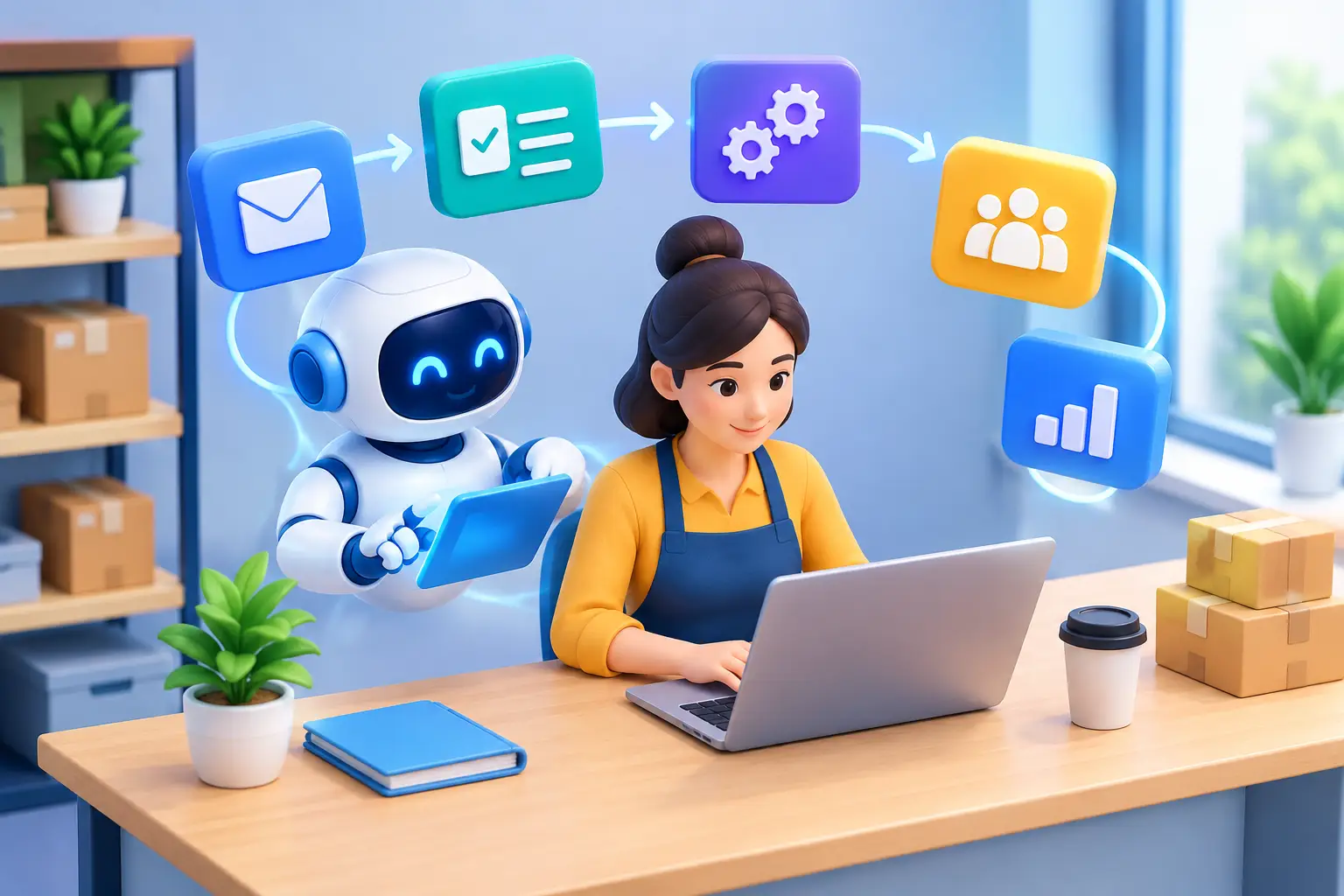
A missed inquiry at 4:45 p.m., a donor thank-you sent three days late, or a sales lead sitting unassigned in a shared inbox can quietly cost an organization momentum. AI workflow automation for small business gives teams a practical way to prevent those gaps without asking employees to work longer hours or forcing leaders to adopt technology they cannot manage.
For growing businesses, nonprofits, and community organizations, the opportunity is not replacing people with software. It is giving people more time for the work that requires judgment, relationships, creativity, and mission focus. The right system handles predictable handoffs, organizes information, and brings the next important action into view.
Where Manual Work Creates Hidden Costs
Most small organizations do not have a workflow problem because their teams lack effort. They have one because information moves through too many disconnected places: website forms, email inboxes, spreadsheets, calendars, customer databases, fundraising platforms, and messaging apps.
A marketing manager may export leads from a campaign, clean the list manually, send it to sales, and then wonder whether anyone followed up. An executive director may receive a gift notification but need to copy the details into a donor record before a thank-you process can begin. A local service business may have staff answering the same pre-qualification questions throughout the day while appointments are still booked inconsistently.
Each task may take only a few minutes. Across a week, those minutes become delayed response times, incomplete records, inconsistent customer experiences, and reporting that arrives too late to guide a decision. AI can help where routine work follows recognizable patterns, but automation should begin with a clear business outcome, not a desire to automate everything.
What AI Workflow Automation for Small Business Can Do
Traditional automation follows fixed rules: when a form is submitted, send an email. AI adds the ability to interpret and organize less structured information. It can summarize a conversation, classify a request, draft a response for review, extract key details from a document, or help route an inquiry to the right person.
For example, a website inquiry can trigger an immediate confirmation message, create a record in a customer relationship system, identify the service category from the visitor’s message, and alert the appropriate team member. The AI component might create a short lead summary and suggest a follow-up response based on the inquiry. A person still makes the relationship decision. The system simply removes the repetitive setup work.
For nonprofits, a similar workflow might identify a potential volunteer, program participant, corporate partner, or donor inquiry; tag it correctly; and create the next follow-up task. This supports more timely communication while preserving the thoughtful, personal engagement that earns public trust.
The strongest workflows are usually modest at first. They solve one real bottleneck well, establish reliable data practices, and create confidence before the organization connects more systems.
High-value starting points
A good first use case is frequent, time-consuming, and easy to measure. It should also have a clear owner. Four common opportunities are:
- Lead and inquiry routing from websites, ads, email, and social channels
- Appointment reminders, intake forms, and post-service follow-up
- Meeting notes, task creation, and internal status updates
- Donor, volunteer, client, or customer record updates after key interactions
Content production can also benefit. AI can turn approved source material into first drafts for social captions, email variations, event descriptions, or campaign recaps. But public-facing content still needs brand review. Accuracy, voice, and context matter, particularly for organizations representing a community or handling sensitive stories.
Start With the Outcome, Then Map the Workflow
The best automation projects do not start with a long list of tools. Start with a question such as: Where are we losing leads? Why does client onboarding take so long? How can our team acknowledge supporters faster? What information do leaders need each week that takes hours to prepare?
Once the outcome is defined, map the current process from trigger to completion. Identify who starts the work, what information they need, where it lives, what decisions are required, and what happens when something is missing. This often reveals that the issue is not a lack of automation at all. It may be an unclear handoff, inconsistent form fields, or a system nobody considers the source of truth.
Then decide which steps require a person and which can be automated. A useful rule is simple: automate the transfer, reminder, organization, and first draft; keep human oversight for exceptions, approvals, relationship-sensitive communication, and high-stakes decisions.
A new inquiry, for instance, can be categorized automatically, but a staff member should confirm a complex request before making a promise. An AI-generated donor thank-you draft may save time, but it should not replace the personal details that make a supporter feel seen.
Build a Connected System, Not Another Isolated Tool
Small businesses often accumulate technology one subscription at a time. The result is a crowded stack where teams re-enter the same information and leaders cannot see a complete picture of performance. A more useful approach connects the tools that already support core work.
That may include a high-performance website, forms, email marketing, a CRM, scheduling software, payment or fundraising platforms, project management, and reporting dashboards. The ideal architecture depends on the organization. A professional service firm needs different workflows than a retailer, a growing contractor, or a charitable organization managing programs and supporters.
Before implementation, define the core records and naming conventions. Decide what qualifies as a lead, which fields are required, when a contact becomes a customer or donor, and who owns data quality. These details are not glamorous, but they are what make reporting credible and automation dependable.
It also helps to build for exceptions. If a form submission is incomplete, the workflow should flag it rather than silently creating a bad record. If a message indicates urgency, it should escalate to a person. If an integration fails, the right team member should know quickly. Automation is most valuable when it makes operations more visible, not more mysterious.
Protect Trust While Using AI
AI workflows can touch personal data, financial information, health-related details, or confidential internal discussions. That makes governance essential, especially for nonprofits and organizations with a strong public-trust responsibility.
Use only the data needed for the workflow. Set clear permissions so staff can access information appropriate to their role. Review vendor settings, retention practices, and sharing controls before connecting systems. Avoid placing sensitive client, donor, employee, or program information into an AI tool without understanding how it is processed and protected.
Human review is equally important for external communications. AI can write quickly, but speed is not the same as care. Establish approval steps for messages involving pricing, legal commitments, grant information, fundraising claims, crisis communication, or personal circumstances. The goal is efficient service with accountability intact.
Measure What Changes After Launch
Automation earns its place when it improves a meaningful result. Track a small set of metrics before and after launch: first-response time, percentage of leads contacted, appointment completion rate, onboarding turnaround, hours spent on recurring administration, donor acknowledgment time, or campaign conversion rate.
Also ask the people doing the work whether the process is actually easier. A dashboard can show faster processing while staff deal with confusing exceptions behind the scenes. Their feedback identifies where the workflow needs refinement and where additional training will create more value.
This is why implementation should be treated as an ongoing operational improvement, not a one-time technical installation. Processes change, teams grow, campaigns shift, and organizations learn which information matters most.
A Practical Path Forward
AI workflow automation works best when it supports a larger digital strategy: a website that captures quality inquiries, a brand that builds confidence, marketing that brings the right audience in, and technology that helps the team respond consistently. Everything should work together toward measurable business growth or mission impact.
Nixie Tech approaches these systems as part of a connected, future-ready foundation, combining creative, marketing, and technical thinking around the way an organization actually operates. The right first workflow may be simple, but it can create room for better service, stronger follow-up, and more focused growth.
Choose the process your team repeats most often and trusts least, then improve that one handoff with care. The time you recover can go back where it belongs: serving customers, building relationships, and advancing the work your organization exists to do.